General Settings
The preferences that decide how Visibox behaves rather than what it plays.
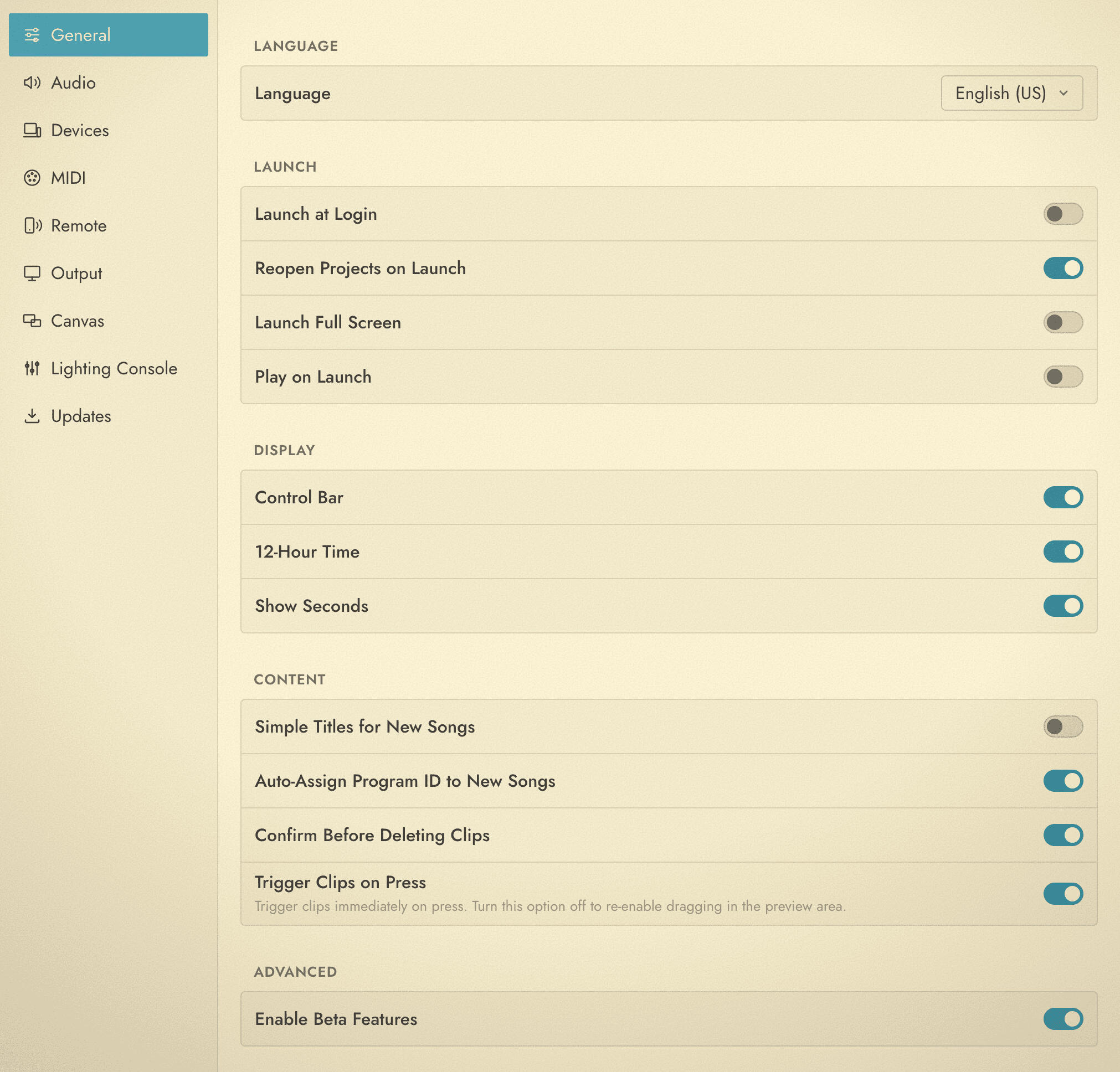
Language
Language sets the language of the Visibox interface. System Default follows your computer’s language. Everything repaints as soon as you pick, with no restart. This is the only place the language is set.
Launch
| Setting | What it does |
|---|---|
| Launch at Login | Start Visibox when you log in to your computer. |
| Reopen Projects on Launch | Reopen the Projects that were open when you last quit. On by default. |
| Launch Full Screen | Start with the Output already full screen. Made for a machine that does nothing but run the show. |
| Play on Launch | Start playback as soon as the Project is open. |
Launch at Login, Reopen Projects on Launch, Launch Full Screen and Play on Launch together make an unattended setup: power on, log in, and the show is running with nobody at the keyboard.
Display
| Setting | What it does |
|---|---|
| Control Bar | Show or hide the Control Bar across the top of the Controller. |
| 12-Hour Time | Show the clock as 12-hour instead of 24-hour. |
| Show Seconds | Add seconds to the clock. |
Content
| Setting | What it does |
|---|---|
| Simple Titles for New Songs | Name new Songs “New Song” instead of picking a random space-themed name. |
| Auto-Assign Program ID to New Songs | Give each new Song the next free Program Identifier, so MIDI program change can reach it without you setting one by hand. On by default. |
| Confirm Before Deleting Clips | Ask before a Clip is deleted. On by default. |
| Trigger Clips on Press | Fire a Clip the moment you press it rather than on release, in the Song list and in the Preview Pane alike. On by default. |
Advanced
Enable Beta Features turns on the features that are still being finished. They work, but they change between releases, so leave this off on the machine you are playing a show with tonight.